






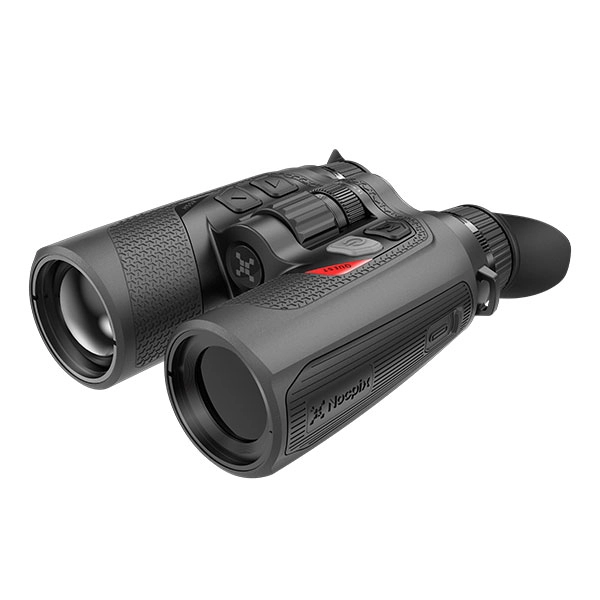
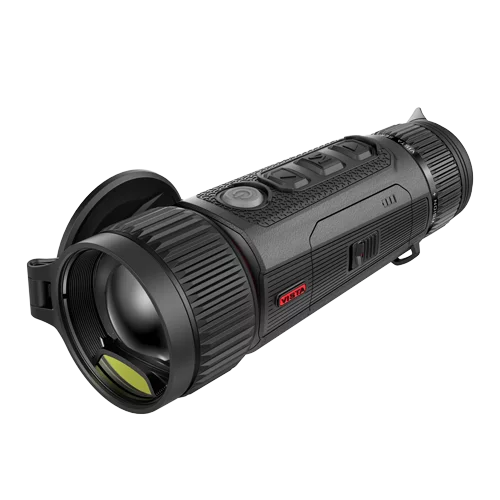
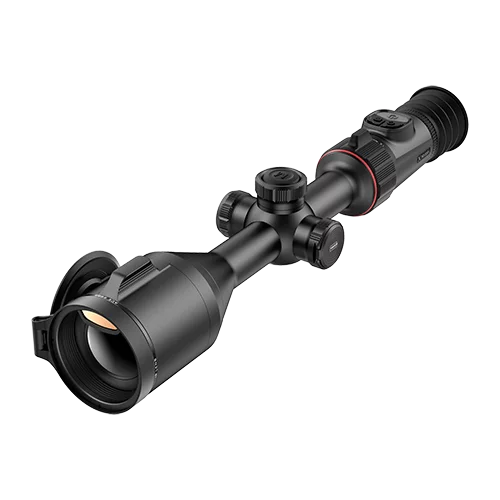
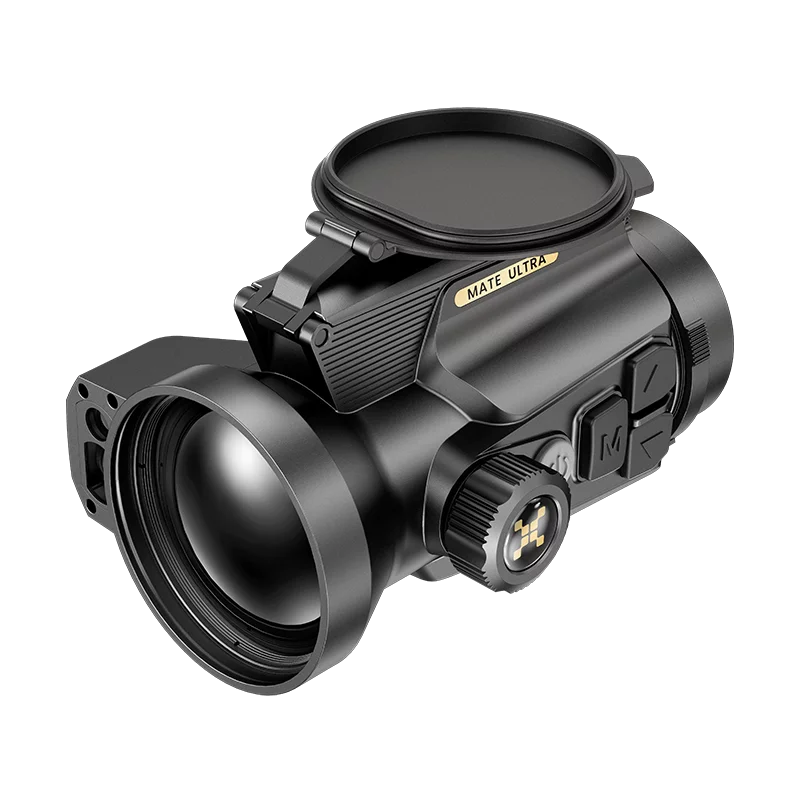
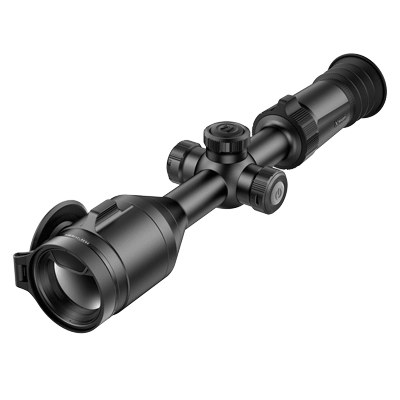
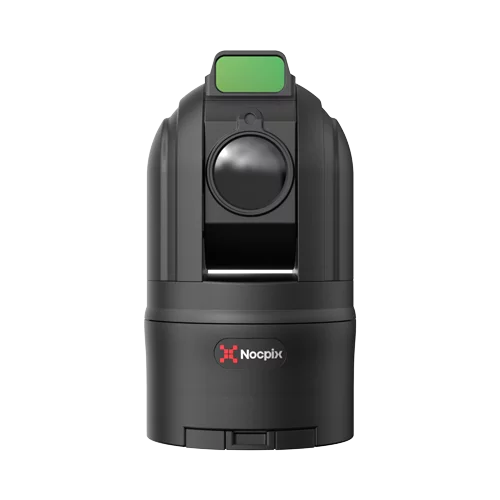
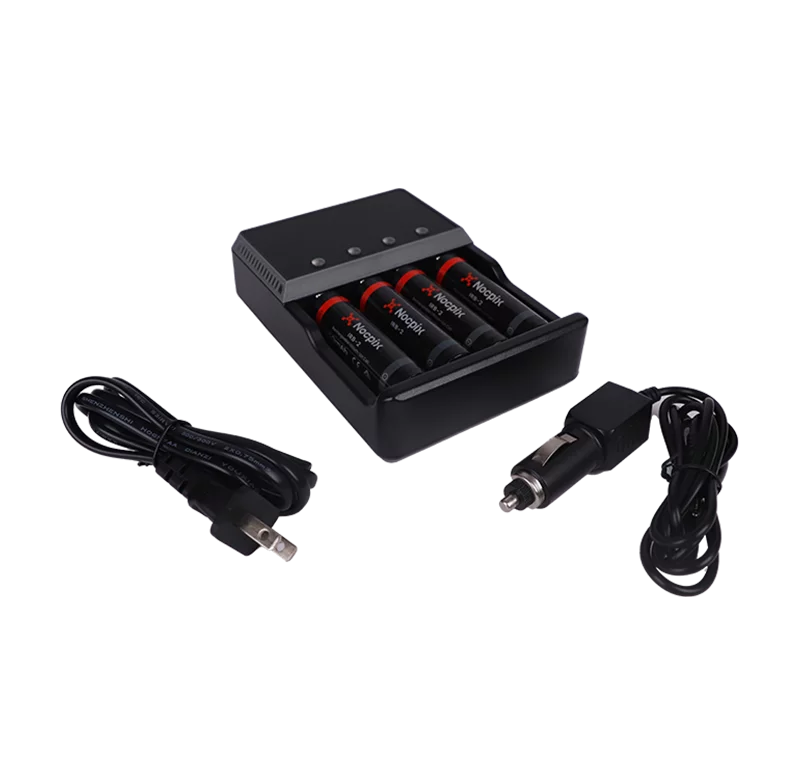


The Nocpix LUMI series is a strong fit for hunters and wildlife observers who want a thermal monocular that can stay in a coat pocket instead of hanging like a full-size optic. H35 and H35R are the safest all-around choices, L19 is the better-value wide-view scanner, L35 and L35R suit tighter observation lanes, and P13 is an entry-level lightweight thermal imaging device.
Within Nocpix’s range of thermal imaging monoculars, LUMI is the compact, carry-first family. The official LUMI series page is the right place for complete specifications, downloads, and feature descriptions. This review instead focuses on the decisions the product page cannot make for the buyer: which viewing style each model supports, where the lower tiers give up useful detail, and when a larger device makes more sense.
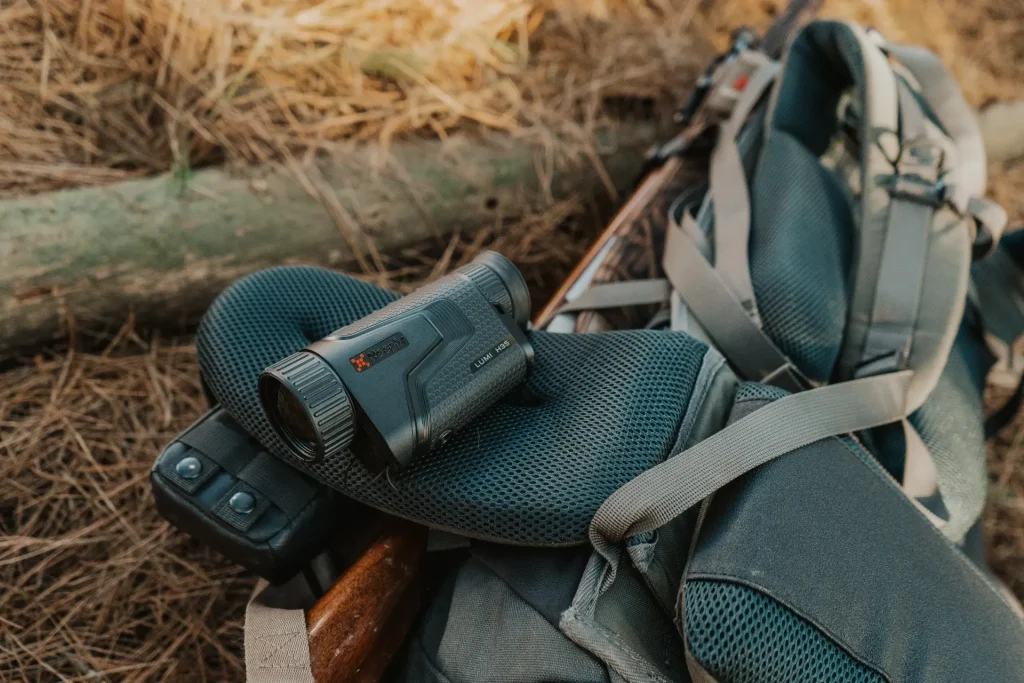
Table of Contents
Who Is the Nocpix Lumi For?
LUMI makes sense for a user who scans while walking, checks several locations during a night, or wants a handheld thermal available without reorganizing the rest of the kit. Its value comes from being carried and used frequently. A larger viewer may produce a more immersive experience, but that advantage means little if it stays in the vehicle because it is inconvenient to carry.
It is less convincing for someone who observes continuously from one fixed position or expects every model in the family to deliver the same recognition detail. The small body favors short scanning cycles, and the image difference between H35 and P13 is large enough that price should not be the first filter.
| Your main priority | Start with | Main reason to choose something else |
|---|---|---|
| One model for mixed terrain | H35 | Add H35R only if ranging changes decisions |
| Wide scanning at a lower tier | L19 | Move to H35 for more identification detail |
| Watching known lanes at distance | L35 | Its tighter starting view is slower for broad searches |
| The same focused view with ranging | L35R | The LRF adds cost without improving the thermal image |
| Nearby heat detection at minimum cost | P13 | Detail falls away sooner with range and zoom |
Although these models share a similar compact design, they do not provide the same image detail or viewing experience. Choose H35 for the strongest all-around balance, L19 for wider lower-cost scanning, L35 for a tighter view of known areas, and an R model only when a built-in rangefinder is necessary.
What Is the LUMI Platform Like in the Field?
Pocketable Handling and Controls
LUMI is designed around carry comfort. A monocular below 345 grams is easier to keep available during a walk than a heavier premium scanner. That supports a useful habit: scan for a short period, lower the device, move, and scan again without treating the optic as the center of the entire kit.
The compact shape brings controls close together. In its H35 review, Spanish hunting publication Trofeocaza described the device as shorter than a medium-size phone and praised its day-and-night image, while noting that the clustered buttons take some adjustment.
That is a believable tradeoff rather than a design failure. Small controls preserve the pocketable body, but new users should practice power, zoom, menu, photo, video, and calibration commands before going out in darkness. Gloves make that practice even more useful.
The H35R adds a rangefinder without becoming a full-size monocular. Gun Mart’s H35R review also noted the weighted focus collar and magnetic lens-cap storage. Those details apply specifically to the reviewed H35R, though the general body design is shared across the line.

How Do the Models Change the View?
The range is not a simple ladder from cheap to expensive. Sensor resolution controls how much source information is available, while lens choice and base magnification control how much terrain appears at once. Nocpix’s guide to choosing a thermal sensor resolution explains the resolution side; the practical question here is how it combines with the starting view.
H35 and H35R offer the best balance in the family. They retain more target structure than the lower-resolution models while still showing enough surrounding terrain for an active search. L35 and L35R start tighter. That can help at a known gate or field edge, but it makes a broad sweep slower and can feel restrictive when an animal appears nearby.
L19 takes the opposite approach. It gives up distant target detail to provide a broad, accessible scanning view. That makes it more useful as a closer-range search tool than as a substitute for L35 at every distance. P13 follows the same general wide-view idea with a lower detail ceiling; it is better at answering “is something warm there?” than “exactly what animal is that?”
The lesson is that a larger starting image is not automatically a better one. Higher base magnification usually narrows the visible scene, a relationship covered in this guide to base magnification and field of view. Buyers should compare footage at the magnification and distance they actually expect to use, not judge six models from one maximum-range claim.
What Does the Compact Body Cost?
Compactness does not remove the need for a stable grip. A light monocular is easy to lift, but a one-handed pan can still become jerky when the user turns the focus collar or presses closely spaced buttons. The practical test is not whether LUMI fits in a pocket; it is whether the user can focus, scan, and change magnification without losing the subject.
The replaceable battery is a practical answer to the small body’s limited energy capacity, not a reason to ignore runtime. A spare cell should be part of the kit for a long night. Recording, Wi-Fi, display settings, temperature, and battery condition all change how long a session lasts.
LUMI also uses a 50 Hz image rather than the 60 Hz available in the higher Vista family. The difference is most relevant during fast panning or while following quick movement. It should be judged from comparable footage, because ten additional frames per second do not automatically outweigh size, price, or viewing geometry.
Finally, only models ending in R include a laser rangefinder. H35R does not produce a better thermal image than H35, and L35R does not produce a better image than L35. The extra cost is justified only when measured distance changes what the user does next.
Which Nocpix Lumi Model Should You Choose?
H35 or H35R: Best All-Around Choice
Choose H35 when image detail and scanning balance lead the decision but rangefinding is not required. Its 640×512 sensor, 35 mm F0.9 lens, 2.5× base magnification, and 22-meter view at 100 meters make it the most flexible non-LRF model.
Choose H35R when distance information will change observation or hunting decisions. The integrated LRF is listed to 800 meters. It also brings a small weight and price increase, so the value depends on whether a separate rangefinder would otherwise be carried.
The H35 family is the easiest recommendation for mixed terrain. It retains more source pixels than the 384 and 256 options while avoiding the L35 family’s narrow 4× starting view.
L35 or L35R: Best for a Tighter Starting View
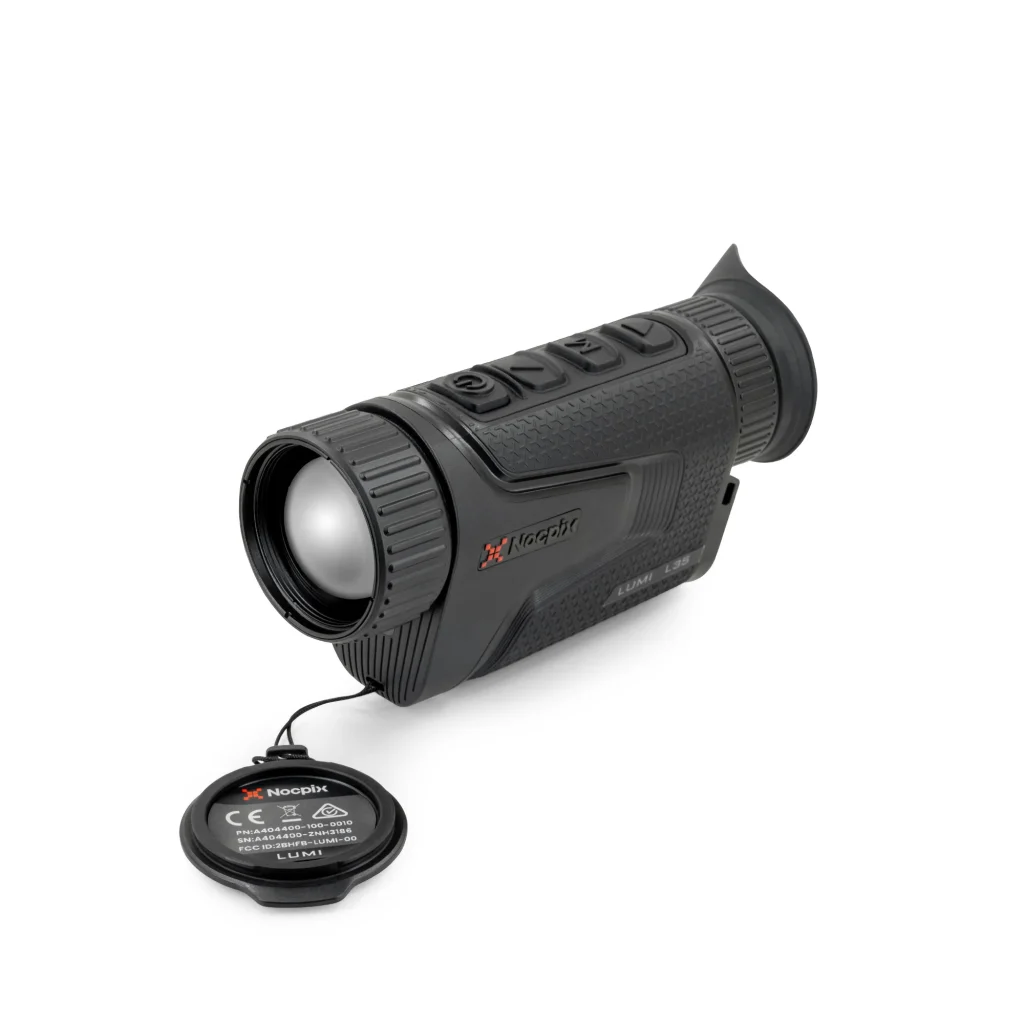
Choose L35 when the normal observation lane is known and 4× base magnification fits the distance. It is less suited to close, fast scanning because only 13 meters of width appears at 100 meters.
Choose L35R when the same focused view needs built-in rangefinding. The rangefinder does not improve thermal detail; it adds distance measurement. Buyers should avoid paying for it if range rarely changes the decision.
These models make more sense for field edges, gates, and fixed observation points than for broad scanning through mixed cover.
L19: Best Value for Wider Scanning
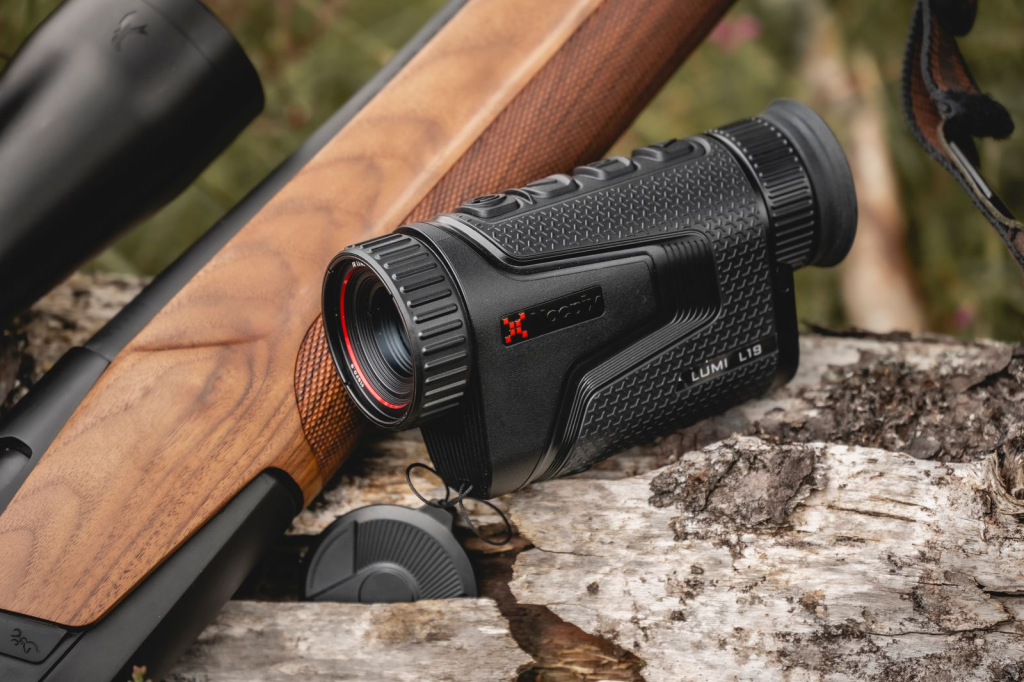
L19 is the most balanced lower-cost scanner in the line. It keeps the 384×288 sensor, uses a wide 2× starting view, and covers 24 meters horizontally at 100 meters.
Choose it for walking fence lines, checking feeders, observing wildlife around property, or scanning closer woodland edges. Skip it when the main goal is extracting shape detail at longer range; the shorter lens puts fewer pixels on distant targets.
P13: Best for Basic Detection
P13 is for users who need to locate heat sources and accept a lower detail ceiling. The 256×192 sensor and 13 mm lens keep cost and size down, but target structure degrades sooner with range and digital zoom.
It can be useful for checking a yard, finding nearby animals, or learning thermal controls. It is not the best choice when reliable species or sex identification at distance is part of the job.
Is the Nocpix Lumi Worth It?
LUMI is worth considering when the monocular must be carried often and used in short scanning cycles. The H35/H35R are the strongest choices for buyers who want the platform without giving up the 640 sensor tier. L19 offers the clearest value case when broad scanning matters more than long-range detail.
The value falls when a buyer selects only by the body design and ignores sensor tier. P13 costs less because it provides less spatial information. L35 starts at 4× because it is optimized for a narrower view. Those are use-case differences, not minor trim changes.
Buyers comparing entry and mid-tier options can use the budget thermal monocular guide to place resolution, lens, and LRF choices into a wider price framework. Users who want a larger 2560×2560 display, ≤15 mK sensitivity, and 60 Hz should compare the Vista series before deciding that pocket size is the top priority.
Final Verdict
The Nocpix LUMI series succeeds as a compact thermal platform, but the model choice determines what “compact performance” means. H35 is the safest all-around pick, H35R adds useful ranging, L19 is the value scanner, L35/L35R suit tighter lanes, and P13 is limited to simpler detection work.
Choose the viewing geometry before the feature list. If the device must show more terrain, start with H35 or L19. If it must start tighter, consider L35. Add the R only when measured distance will change the next decision.
Frequently Asked Questions About Nocpix Lumi
Do the Nocpix Lumi H35R and L35R Support Ballistic Calculation?
Yes. Nocpix lists ballistic calculation as a feature of the LUMI LRF series, which includes H35R and L35R. Check the current manual, app version, and regional product support before relying on the feature, because the available workflow can change with firmware and market configuration.
Nocpix Lumi H35R vs Vista H35R: What Is the Difference?
Both use a 640×512 sensor and a 35 mm lens, but they prioritize different needs. LUMI H35R is the smaller, lighter carry option. Vista H35R provides the larger high-resolution display, 60 Hz frame rate, stronger listed thermal sensitivity, longer rangefinder reach, and longer listed runtime. Choose LUMI for portability and Vista for the higher-spec viewing platform.
Can the Nocpix Lumi H35 Be Helmet Mounted?
Nocpix presents the H35 as a handheld thermal monocular and does not list an official helmet-mount configuration on the product page or in the standard manual. Do not assume that a tripod thread makes a helmet adapter safe or compatible. Confirm the mount, retention method, balance, and intended use with Nocpix or an authorized dealer before attempting a head-mounted setup.
Where Can I Download the Manual for a Nocpix Lumi Model?
The LUMI user manual covers H35, H35R, L35, L35R, L19, and P13. Use the Downloads section on the official series page for the current manual, and use the LUMI quick-start page for the shorter setup guide. Check the latest version after a firmware update because menu names and button behavior can change.