







MOA means minute of angle. On a riflescope, it describes an angular adjustment. One MOA spans about 1.047 inches at 100 yards, about half that at 50 yards, and twice that at 200 yards.
That definition is useful at the range, but a hunter first needs to answer a more practical question: Does this scope actually adjust in MOA? Some scopes use MIL or MRAD. Some digital thermal scopes ask you to move an X/Y coordinate in inches or centimeters at the selected zero distance. A Mil-Dot label identifies a reticle scale, not necessarily the zeroing control.
Before calculating clicks, identify the system shown in the manual or zeroing menu. Then measure the center of your shot group, make the correction, and confirm the new zero with the ammunition you plan to hunt with.
How Can You Tell Whether Your Scope Uses MOA or MIL?
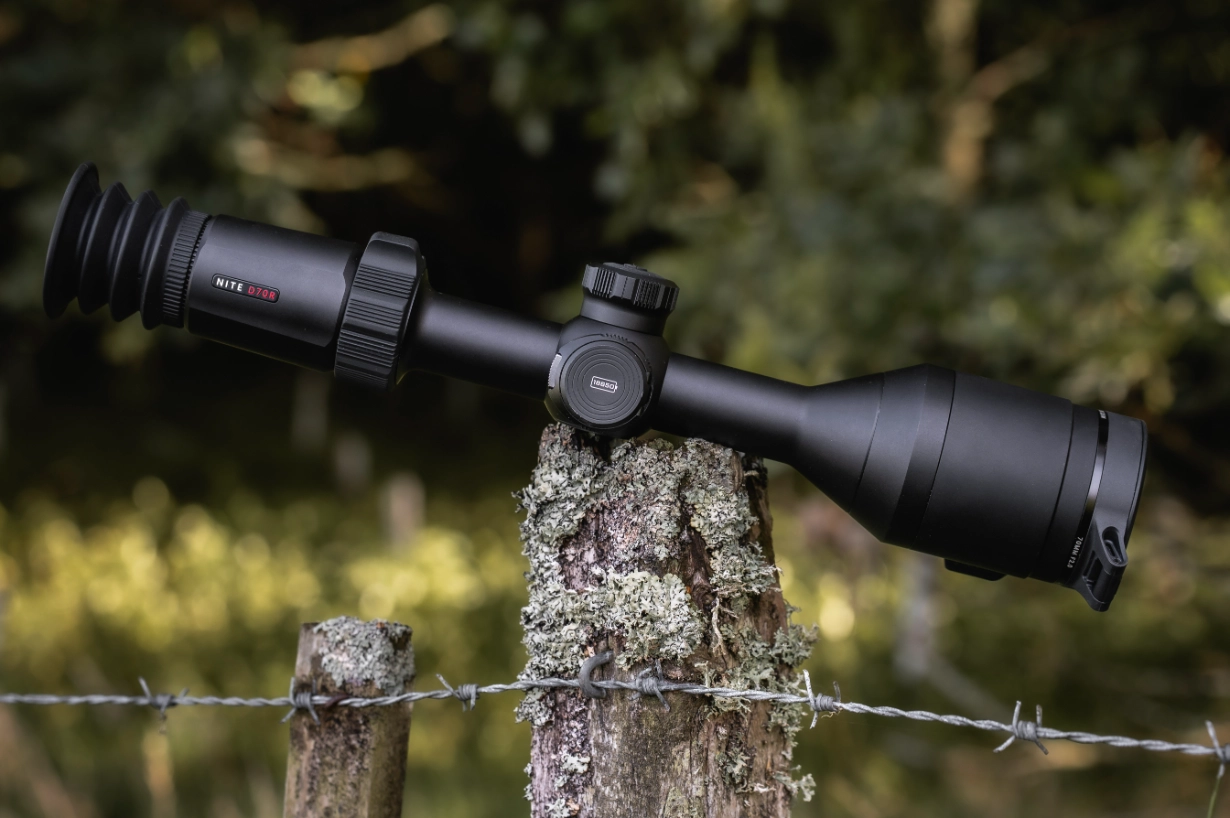
Check the exact model name and current manual. Look in the specification, reticle, adjustment, or zeroing section for one of these labels:
| What the manual or screen says | What it tells you |
|---|---|
| 0.25 MOA/click, 0.3 MOA/click, or another MOA value | Each click or menu step moves the correction by that fraction of one MOA |
| 0.1 MIL/click or 0.1 MRAD/click | The adjustment uses milliradians; MIL and MRAD refer to the same angular unit in this context |
| X/Y movement in inches or centimeters | The interface is showing linear movement for the selected zero distance |
| X/Y coordinates with no MOA or MIL label | Follow the model’s digital-zero procedure; the angular unit remains unspecified |
| A Mil-Dot reticle | The reticle has mil-based references; check the zeroing unit separately |
Identify the adjustment system from the manual or zeroing menu. A manufacturer may pair one type of reticle with a different adjustment interface, particularly in a digital optic.
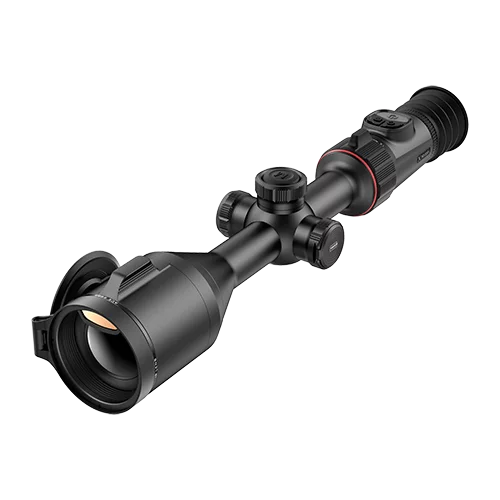
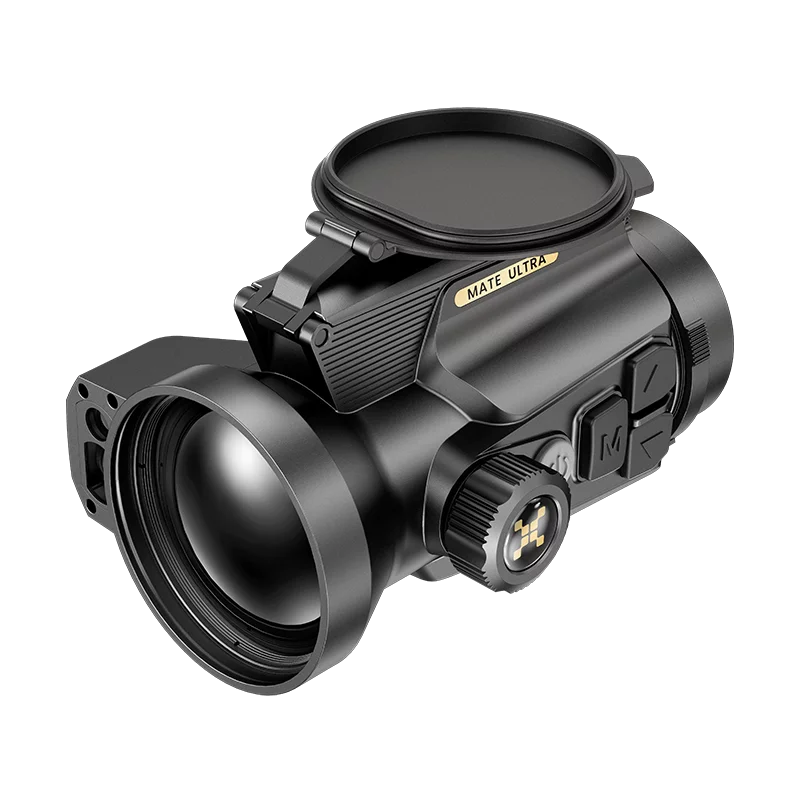
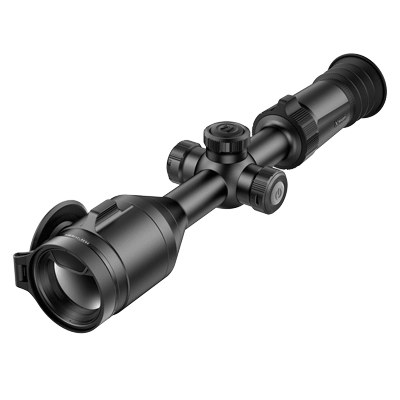
At Nocpix, we use different zeroing interfaces for different rifle-mounted optics. Our NITE D70R digital day-and-night riflescope uses a clearly labelled 0.3 MOA/click zeroing system. That makes it useful for showing how a hunter turns a measured group offset into a click count. NITE is a digital day-and-night optic; our thermal riflescopes provide the thermal examples below.
On our ACE thermal riflescopes, the hunter selects a zero distance, freezes the image, and adjusts the reticle’s X/Y position until it matches the point of impact. Our SLIM thermal riflescopes show X/Y point-of-impact changes in inches or centimeters. In both cases, the screen guides the correction without requiring the hunter to translate every movement into a traditional turret click.
How Much Does One MOA Move the Point of Impact?
MOA is an angle, so its corresponding target movement grows with distance.
| Distance | 1 MOA | 0.5 MOA | 0.25 MOA |
|---|---|---|---|
| 50 yd | 0.524 in | 0.262 in | 0.131 in |
| 100 yd | 1.047 in | 0.524 in | 0.262 in |
| 200 yd | 2.094 in | 1.047 in | 0.524 in |
At the range, many hunters use the quick approximation of one inch at 100 yards. It is close enough for estimating an initial correction, while the 1.047-inch value gives a more exact calculation.
To calculate the required MOA correction:
MOA correction = target error in inches ÷ (distance in yards ÷ 100 × 1.047)
At 100 yards, a group centered about 2.1 inches low needs roughly 2 MOA of vertical correction. At 50 yards, the same 2.1-inch error represents roughly 4 MOA because one MOA covers only about 0.524 inch at that distance.
This is why the zero distance must be entered or recorded before the adjustment is calculated. Mixing a 50-yard group with a 100-yard shortcut doubles the error.
How Do You Turn an MOA Correction Into Clicks?
Once you know the required correction, divide it by the scope’s stated adjustment value:
Number of clicks = required MOA correction ÷ MOA per click
Consider a hypothetical 100-yard group centered about 3.1 inches right and 1.6 inches low. Those measurements are approximately 3 MOA right and 1.5 MOA low.
Using our NITE D70R’s 0.3 MOA/click adjustment:
- Horizontal correction: 3 MOA ÷ 0.3 = 10 clicks
- Vertical correction: 1.5 MOA ÷ 0.3 = 5 clicks
The calculation gives 10 horizontal adjustment steps and 5 vertical adjustment steps. Follow the NITE D70R’s zeroing interface for the movement direction, save the adjustment, and fire a confirmation group.
The arithmetic changes when a scope uses MIL. One MIL spans 3.6 inches at 100 yards, and a common 0.1-MIL adjustment spans 0.36 inch at that distance. Use the unit printed in the manual rather than converting back and forth during zeroing.
What If the Thermal Scope Shows X/Y Values Instead of MOA?
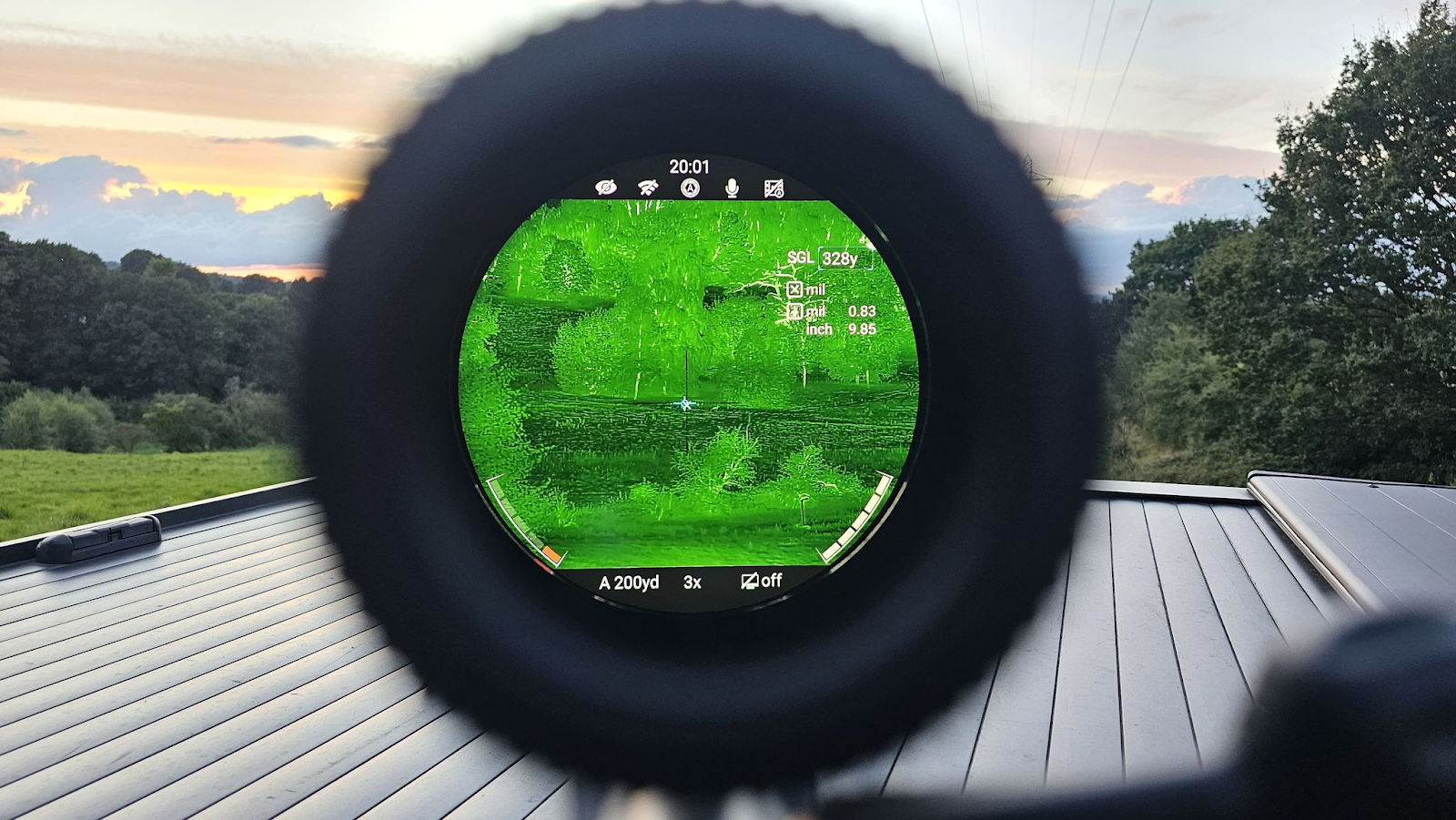
Use the selected zero distance and follow the digital-zero sequence in that model’s manual. In the ACE workflow, the hunter keeps the original aiming point, freezes the image, and moves the reticle to the observed point of impact. The scope stores the resulting X/Y position for that zero profile.
For an ACE-style workflow, the field sequence is straightforward:
- Select the correct rifle profile and zero distance.
- Fire from a stable rest at a thermal-visible aiming point.
- Keep the original point of aim as the reference.
- Enter the zeroing interface and freeze the image when the model supports it.
- Move the reticle to the bullet impact using the X/Y controls.
- Save the position and fire a group to confirm it.
If the interface displays inches or centimeters, verify that the selected distance and unit match the range setup. If it displays only coordinates, avoid converting those numbers into MOA unless the manual explicitly defines that relationship.
For the complete preparation and confirmation sequence, including suitable heat targets, see Cómo calibrar una mira térmica.
Why Does the Confirmation Group Matter Before a Hunt?
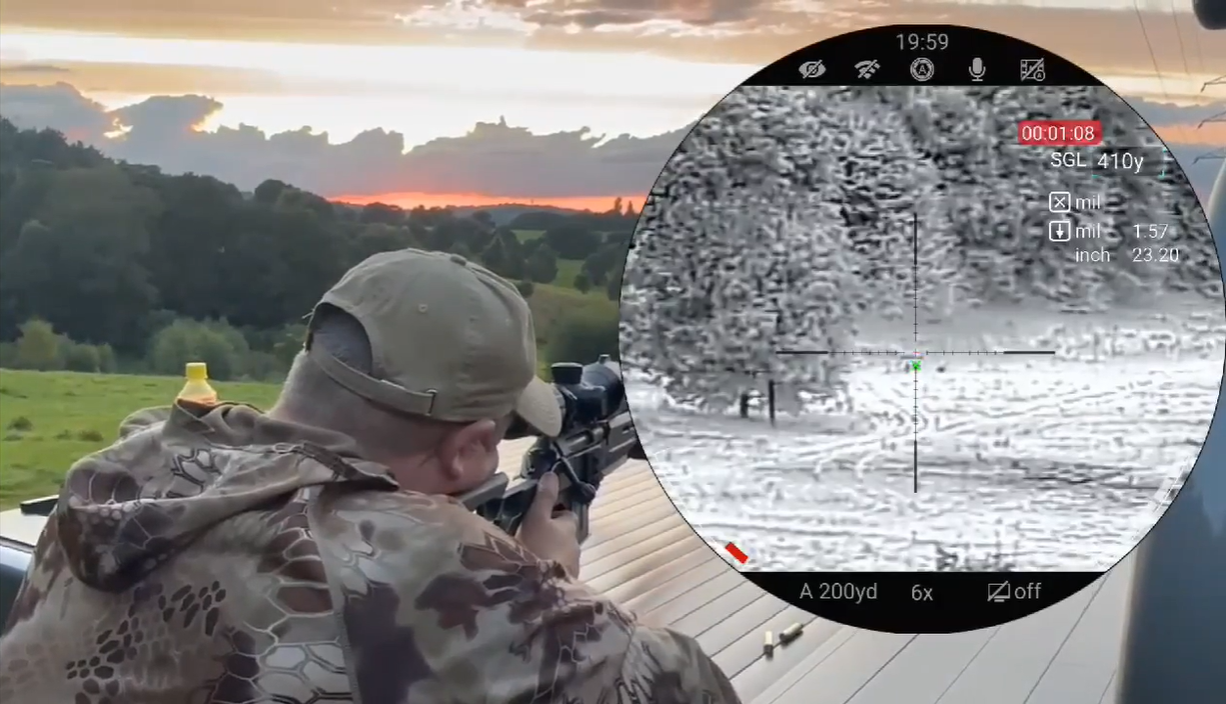
A correct calculation predicts how far the sighting reference should move. The next group confirms where the complete rifle system places its shots. Ammunition, the mount, the shooting rest, target visibility, and the saved zero profile still affect the result you see on the target.
Use the same load you intend to carry in the field. A clearly defined thermal aiming point is also important: a broad warm patch may be easy to see but gives the reticle no precise center. After the initial correction, fire a group rather than judging the zero from one impact.
Before leaving for a hunt, check:
- the correct rifle and zero profile are active;
- the zero distance and yards/meters setting are correct;
- the mount and rail fasteners remain secure;
- the hunting ammunition matches the load used during zeroing;
- the confirmation group is centered at the chosen distance.
If the group moves after transport, recoil, or remounting, inspect the mounting setup before repeatedly changing the saved zero. The thermal scope mounting guide covers the checks that should come before another round of corrections.
MOA and MIL Checks That Prevent a Bad Correction
Run these checks before changing the saved zero:
- Treating Mil-Dot as proof of MIL adjustment. Confirm the zeroing unit separately.
- Using the 100-yard MOA value at 50 yards. One MOA spans about half as much at half the distance.
- Counting clicks before checking click value. A 0.25-MOA control and a 0.3-MOA control require different counts for the same correction.
- Mixing yards with meters. Keep the distance and target measurement in the convention expected by the manual or interface.
- Moving from the wrong reference. Measure the center of the group from the intended point of aim, not from a convenient corner of the target.
- Skipping the final group. The saved number is only an adjustment; the target confirms the zero.
The Practical Answer
MOA is an angular unit used to express sight corrections and group size. At 100 yards, one MOA spans about 1.047 inches. To use it correctly, measure the group’s offset, convert that distance into MOA, and divide by the scope’s published MOA-per-click value.
The first step is still checking what your optic actually uses. A riflescope may use MOA, MIL/MRAD, or a digital X/Y zeroing interface expressed in inches, centimeters, or model-specific coordinates. Read the current manual for the exact model, make the correction in its own system, and confirm the result with a group before hunting.
Nuestro miras telescópicas termográficas use model-specific reticles, zero profiles, and adjustment interfaces. Choose the model that fits the way you hunt, then use its zeroing controls and distance settings when confirming the rifle at the range.